
How to Choose the Best Clipping Path Service? What Is the Importance of AI for Post-Production and Photo Editing? Ultimate Guide 2026 (17-Step Framework)
Choosing the best clipping path service is a growth decision for e-commerce. Our ultimate 2026 guide provides a 17-step framework to select a provider, explains the critical role of AI in post-production, and shows how to scale your visual content without sacrificing quality.
Md Abul Kalam Azad
12/22/20254 min read
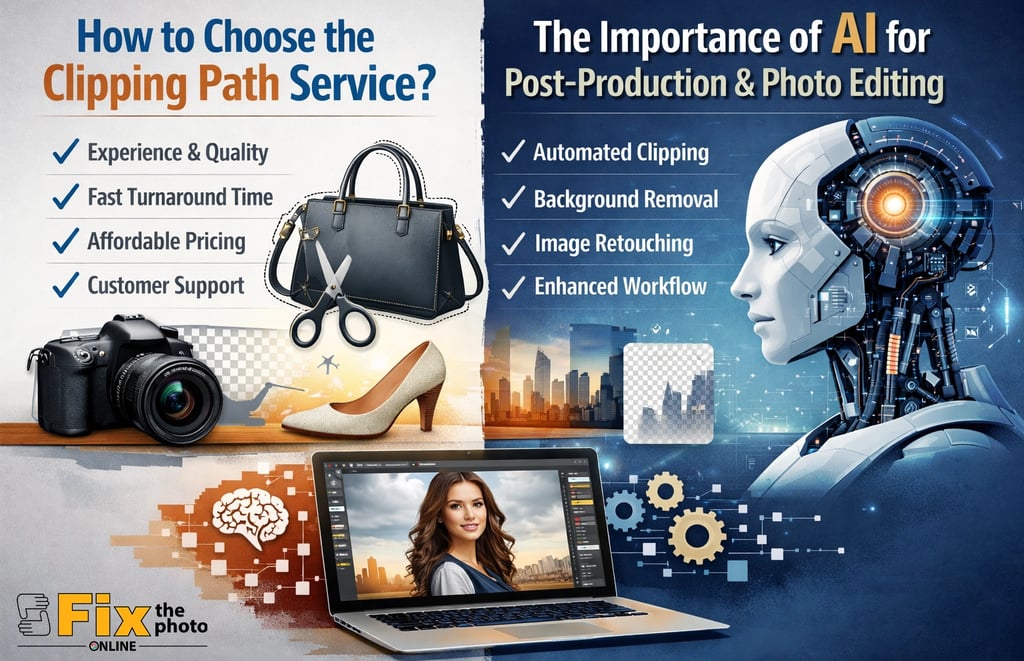
Why Your Choice of Clipping Path Service Is a Business Decision
In 2026, visual content quality directly dictates e-commerce success. A professional clipping path service does more than just remove backgrounds; it builds customer trust, improves platform ranking, and directly boosts conversion rates. This guide provides a clear, step-by-step framework to choose a service that delivers precision, scales with your growth, and smartly integrates AI to give you a measurable competitive advantage.
Part 1: Understanding the Foundation – What Are Clipping Path Services?
1. What Is a Clipping Path?
A clipping path is a hand-drawn vector outline, created with tools like the Photoshop Pen Tool, used to isolate an object from its background with pixel-perfect precision. Unlike automated "magic wand" cuts, it guarantees sharp edges essential for professional presentation.
2. The E-Commerce Imperative: Why It Matters
Major marketplaces (Amazon, Shopify) enforce strict image standards. Consistent, clean product images with pure-white backgrounds lead to fewer listing rejections, better search visibility within platforms, and higher consumer confidence, which reduces returns.
3. Core Benefits at a Glance:
1. Brand Consistency: A uniform look across your entire catalog.
2. Versatility: Isolated products can be placed on any background for marketing materials.
3. Professionalism: Eliminates visual distractions, focusing the customer on the product.
Part 2: A 17-Step Framework to Choose the Best Clipping Path Service
Follow this actionable checklist to vet potential providers systematically.
Step 1-4: Assess Core Quality & Methodology
1. Verify "Hand-Drawn" Claims: Insist on samples and zoom in to inspect edges for smooth, natural curves without jagged lines.
2. Request a Paid Test Job: Send your most challenging image (e.g., jewelry with holes, wispy fabric).
3. Evaluate Shadow Creation: If needed, check if added shadows look natural and consistent.
4. Confirm Multi-Path Expertise: For product variants, ensure they can create separate, precise paths for different sections.
Step 5-8: Analyze Scalability & Operations
5. Clarify Turnaround Time (TAT): Ensure they offer tiered TAT (e.g., 6-hour express, 24-hour standard).
6. Test Batch Editing Efficiency: Ask about their process and pricing for processing 500+ images.
7. Check Communication Channels: Prefer providers with direct project management access over just a ticketing system.
8. Review Revision Policies: Understand the cost and process for revisions to avoid surprises.
Step 9-12: Scrutinize Security & Business Terms
9. Demand a Standard NDA: Your product images are intellectual property.
10. Ask About Data Security: Inquire about secure file transfer (SFTP), data encryption, and employee access controls.
11. Decode Pricing Structures: Avoid vague quotes. Look for clear per-image pricing with bulk discounts.
12. Check Contract Flexibility: Avoid being locked into a long-term contract before verifying quality.
Step 13-17: Gauge Technical & Industry Fit
13. Assess File Format Support: They should deliver all standard formats (PSD, PNG, JPEG, TIFF).
14. Evaluate AI Integration: Do they use AI as a first-pass tool to enhance speed while relying on human final review?
15. Identify Industry Specialization: Some providers excel in fashion (ghost mannequin), while others are better for jewelry or automotive.
16. Check Additional Service Range: Can they also handle image masking, color correction, and retouching for a one-stop workflow?
17. Read Verified Case Studies: Look for detailed testimonials from businesses in your sector and of your size.
Part 3: The 2026 Game-Changer – The Strategic Role of AI in Post-Production
AI is not a replacement for human skill; it's a powerful accelerator that redefines efficiency.
AI vs. Human Editing: The Hybrid Advantage
Speed
AI Excels At: Processing thousands of initial cutouts in a batch.
Human Editors Excel At: Making nuanced judgment calls on complex edges.
Consistency
AI Excels At: Applying uniform color correction across a catalog.
Human Editors Excel At: Creating natural-looking shadows and reflections.
Pattern Recognition
AI Excels At: Identifying and roughly isolating repetitive object shapes.
Human Editors Excel At: Handling unpredictable, intricate details (e.g., fur, lace, fine hair).
Key Applications of AI in Your Workflow:
1. AI-Powered Background Removal: Serves as the perfect first draft for simple products, drastically reducing manual labor time.
2. Automated Color Consistency: AI algorithms analyze a batch of images to ensure a product's color appears identical in every shot, reducing customer complaints about inaccurate color.
3. Smart Object Recognition: Can pre-sort images and apply the correct type of edit (basic path vs. complex masking) automatically.
Part 4: Industry-Specific Applications & Impact
1. Apparel & Fashion: Relies on ghost mannequin editing and complex masking for sheer fabrics. AI speeds up the initial mannequin removal, and humans perfect the garment's natural drape.
2. Automotive & Real Estate: Requires high-precision paths and natural shadow creation to build trust and present products realistically.
3. Advertising Agencies: Leverage multi-clipping paths to rapidly create color variants and composite scenes, enabling faster client presentations and A/B testing.
Part 5: SEO, Conversion, and Avoiding Costly Mistakes
The SEO and CRO Impact:
Image SEO: Properly optimized, lightweight PNGs with descriptive alt-text (e.g., "red-sneakers-on-white.png") improve page load speed and Google Shopping visibility.
Conversion Rate Optimization (CRO): Visual consistency across your site significantly increases add-to-cart rates by reducing visual "noise" and building subconscious trust.
Common Pitfalls to Avoid:
1. Prioritizing Price Over Value: The cheapest service often requires more revision time, costing more in the end.
2. Over-Reliance on Full Automation: Pure AI tools fail with complex images, damaging brand perception.
3. Ignoring Security: Assuming all providers automatically sign NDAs can risk product leaks.
4. Skipping the Test Job: This is the most critical step to vet true quality.
FAQs: Quick Answers to Critical Questions
1. How do I know which service is best? Apply the 17-step framework. A test job with your own image is the ultimate proof.
2. Is AI editing reliable for e-commerce? Yes, but primarily in a hybrid model. AI provides speed and scale; human expertise guarantees the accuracy that builds brand credibility.
3. What's a realistic turnaround time? For ongoing work, a 24-hour standard is balanced. Top providers offer 6-12 hour express options for urgent needs without a massive price surge.
4. Do clipping paths improve SEO? Indirectly, yes. Through improved user experience (fast loading, professional appearance), which is a confirmed Google ranking factor.
Conclusion: Building a Scalable Visual Advantage in 2026
Selecting the best clipping path service is a strategic investment in your brand's growth. The winning formula for 2025 combines uncompromising hand-drawn quality with AI-driven efficiency, all delivered through a secure, scalable, and transparent partnership. By following the structured framework above, you move beyond just outsourcing a task—you empower your business with consistent, conversion-ready visuals that can adapt and scale with your ambition.
FixThePhotoOnline
Professional photo editing & retouching services for everyone.
© 2025. All rights reserved.